Images can be added into the CMS in two ways.
Add images via the Media gallery
- Select Media Gallery in the left navigation menu.
- Select the Image type tab.

3. Hover your cursor over the center module to see the option to "Drop image here" or "Upload from computer".
4. Choose any option to complete the images' upload.
When the upload is finished images are displayed in the gallery.
Add image on the Stop Detail Page (SDP)
- On the Stop Media card click the "plus-button" to see the option "Upload from computer".
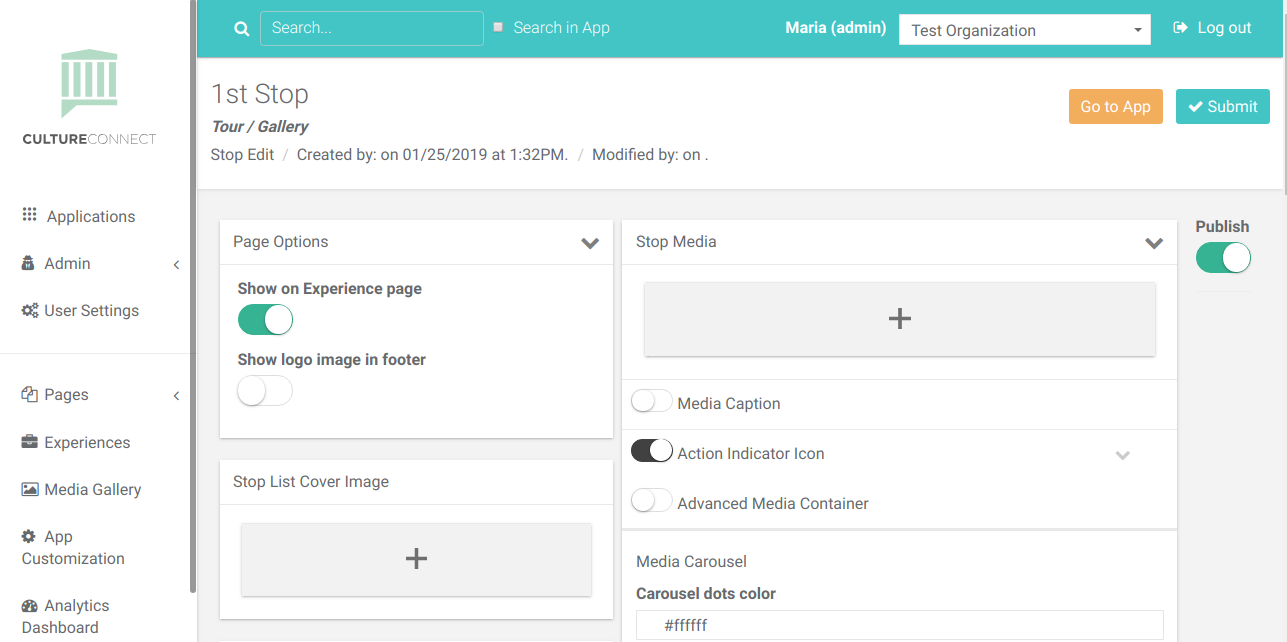
2. Click the "Upload from computer" button to add images.
When the upload is finished images are directly added to the Media Gallery and are displayed on the Stop Detail page.