The Custom Pages make it possible to create app tailored pages.
Pages don't have initially set topics they can be filled with any kind of additional content.
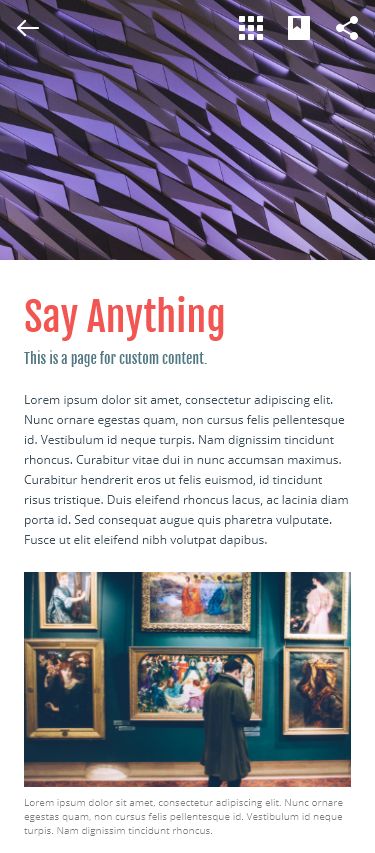
A user can set four Custom Pages at a time.
To create or edit the Custom Pages navigate to the Pages tab -- > Custom Page 1 in the left side navigation.

Here, to set up the Custom Page.
-
Apply all the necessary settings on the cards in the CMS.
-
Choose a Page Image.
-
Add some Content.
-
Set the Menu icon, by choosing it from the proposed list or upload from computer.
-
Top the page up with some Inline Media elements to make it more compelling.
-
-
Enable the Publish control in the right corner next to the Content card.
-
All the settings will be saved in the CMS in case the page is Unpublished.
-
-
Click the Submit button on the page right upper corner.
IMPORTANT: the fields are optional, no need to fill in all of them.