Main Menu Settings are used for customization of the app menu.
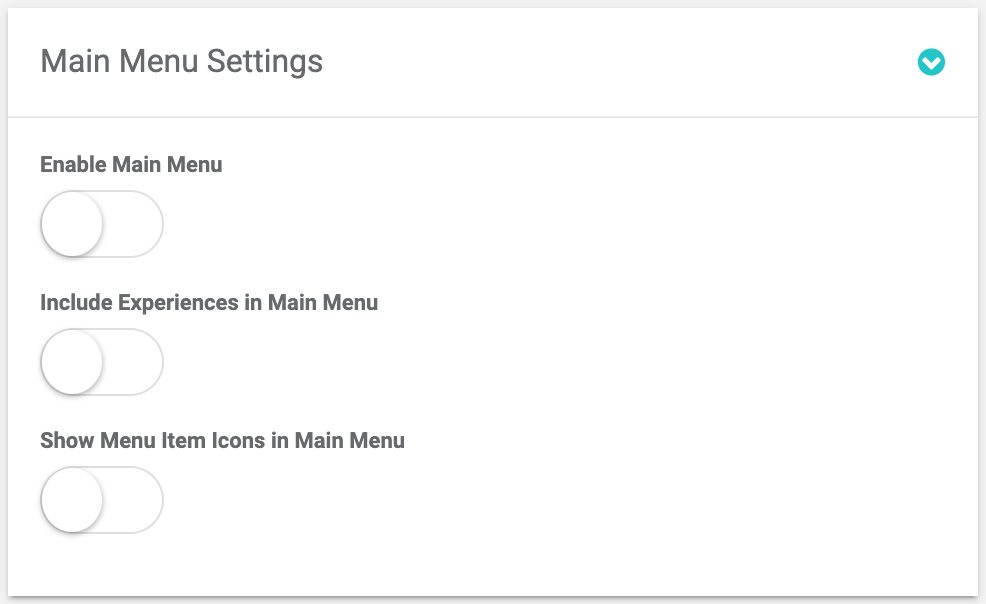
Main Menu setting card settings
Enable Main Menu
Shows or hides the main menu in the app.


Include Experiences in Main Menu
Control allows admin to display/hide Experience pages in the Main Menu.
Tip: Control automatically enables the display of all the Experiences pages in the Main Menu. Thus, if a user doesn't need a certain Experience to be displayed in the Main Menu she should disable the Show Experience Page in Main Menu control on the Experience Edit page of this particular Experience.

Show Menu Item Icons in Main Menu
Сontrol enables icons display in the menu.