Stop Code Search card settings are used to enable the Stop Code search functionality in the app.
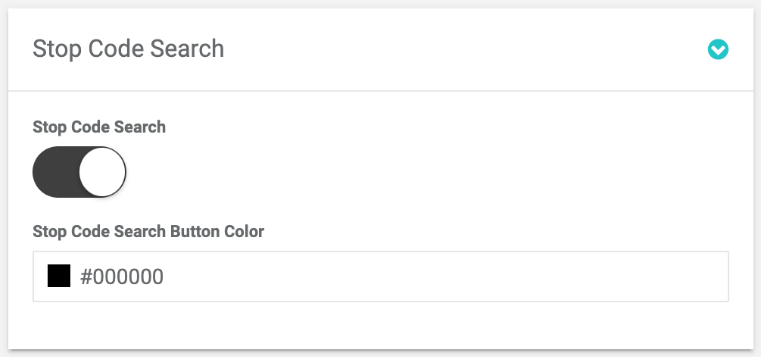
Stop Code Search card settings
Stop Code Search
Enables Stop Code search in the app.
Stop Code icon appears on the Menu navigation bar. From here users can find a Stop not by browsing across the whole app but just by entering a Stop's code and being redirected to it right away.
Stop Code is assigned to each Stop page separately on the Stop Code field on the Stop Edit page.
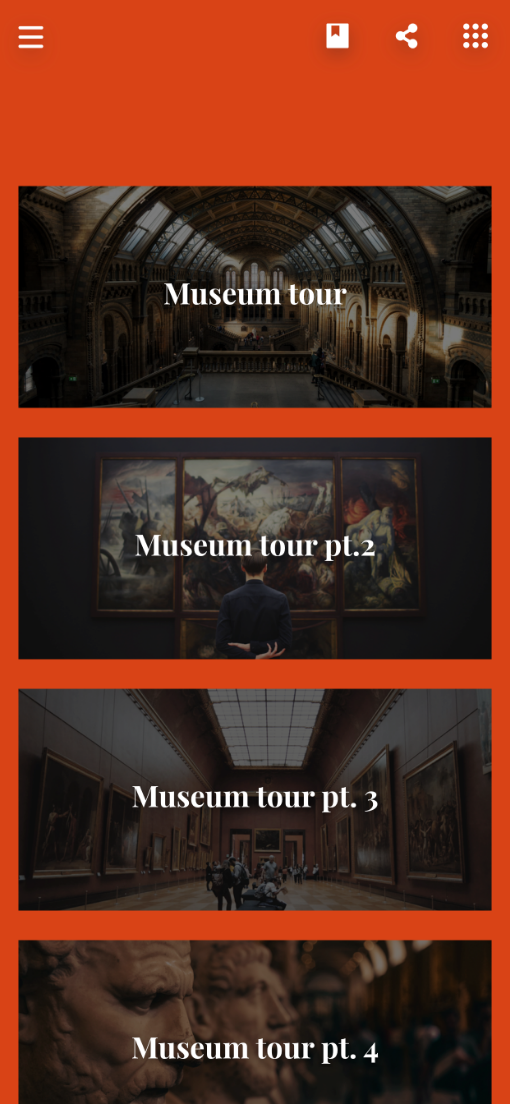
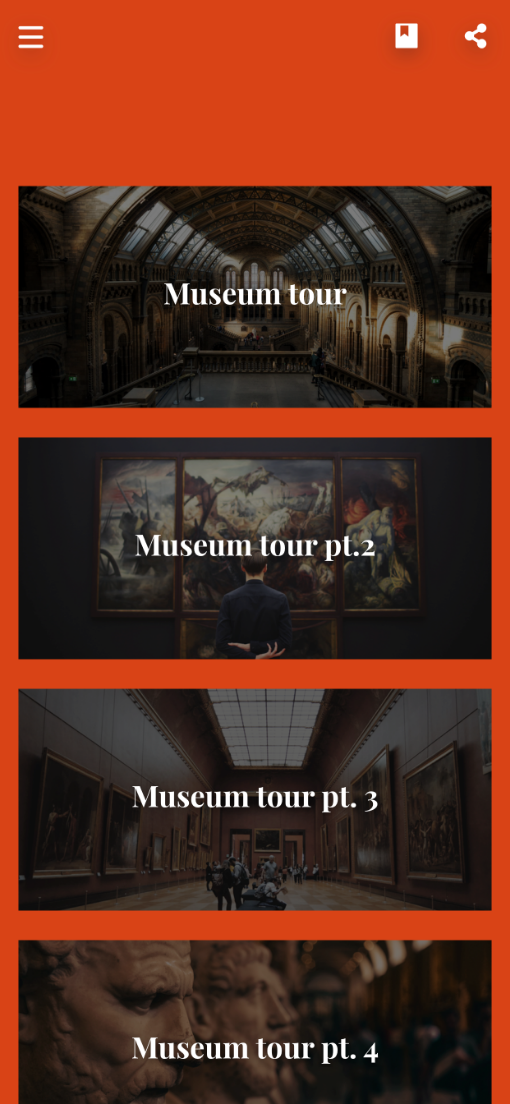
Stop Code Search button color
Set color of the Stop Code Search elements.