The card contains settings that make it possible to customize the top navigation bar in the app.
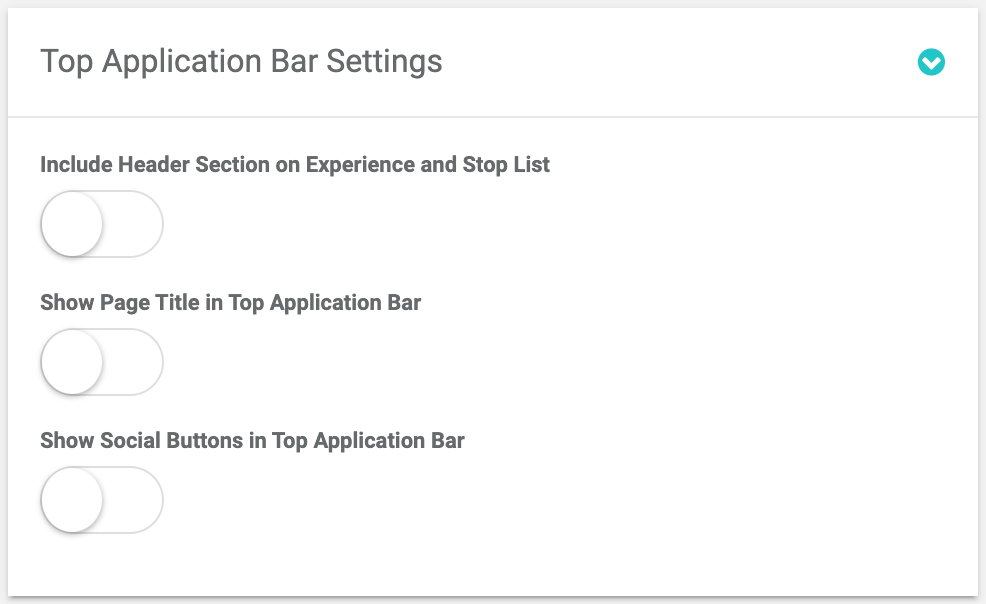
Top Application Bar Settings card
Include Header Section on Experience and Stop List
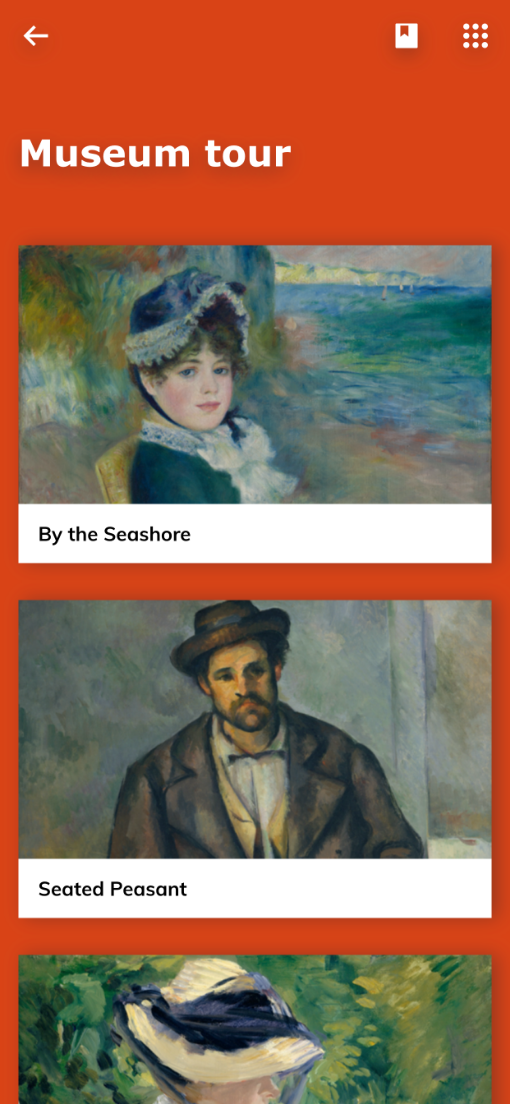
Controls the change of the menu format from the simple 'drop-down' to the full-screen display. Besides,the Header section appears in the app if the control is on.
Show Page Title in Top Application Bar
Shows/hides titles of Experiences and Stops on the top bar.


Show Social Buttons in Top Application Bar
Enables display of social buttons on the top navigation bar in the app.

Twitter share related account
Add an account name here which on twitter will be stated as account you are sharing the post from.