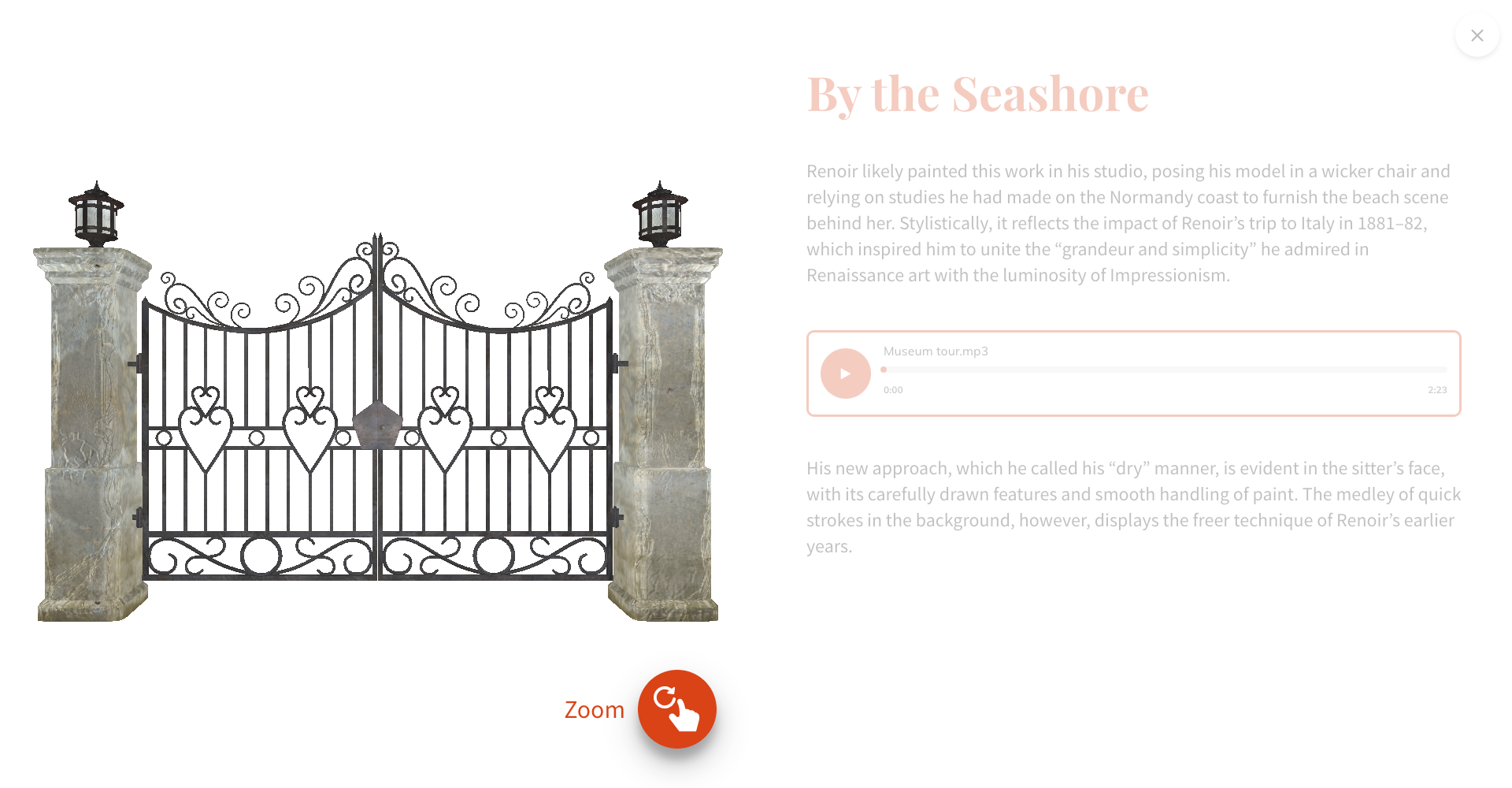
Show 3D Object Viewer enables 3D objects display on Stop Detail pages.
When the Show 3D Object Viewer control is on the 3D Object Viewer Customization card appears in the page bottom. Here you can apply positioning settings of the 3D object.
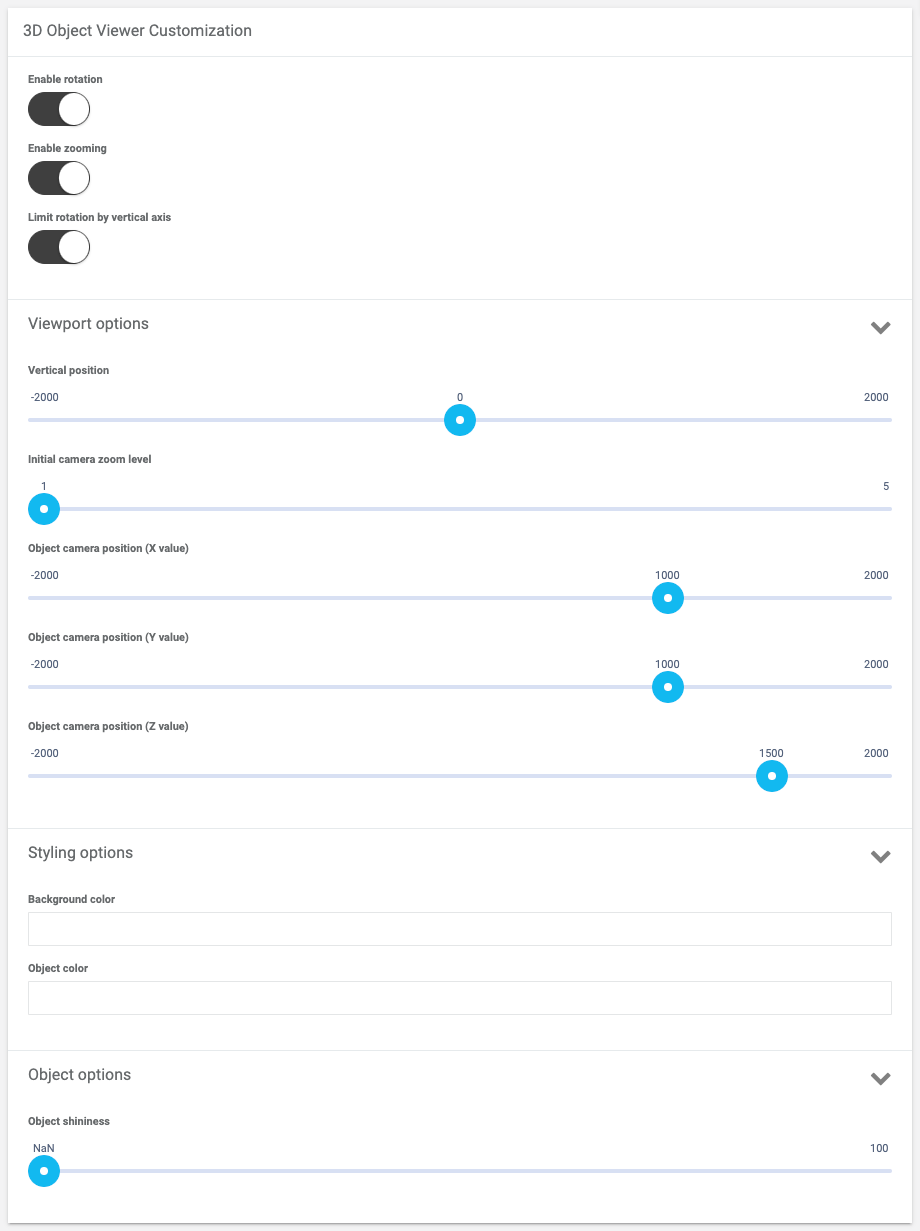
3D Object Viewer Customization card settings
Enable rotation
If on allows you to rotate the object in different directions.
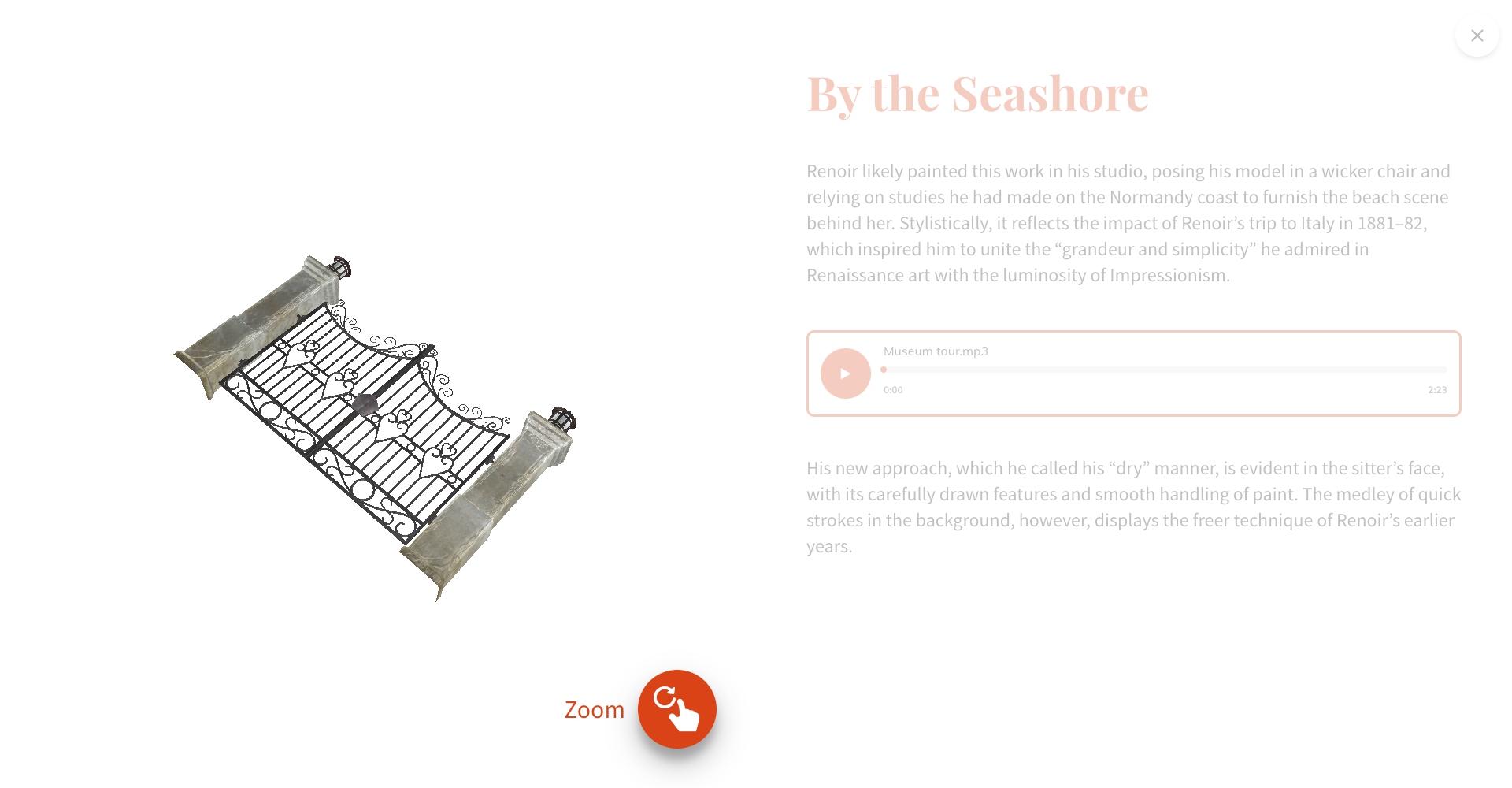
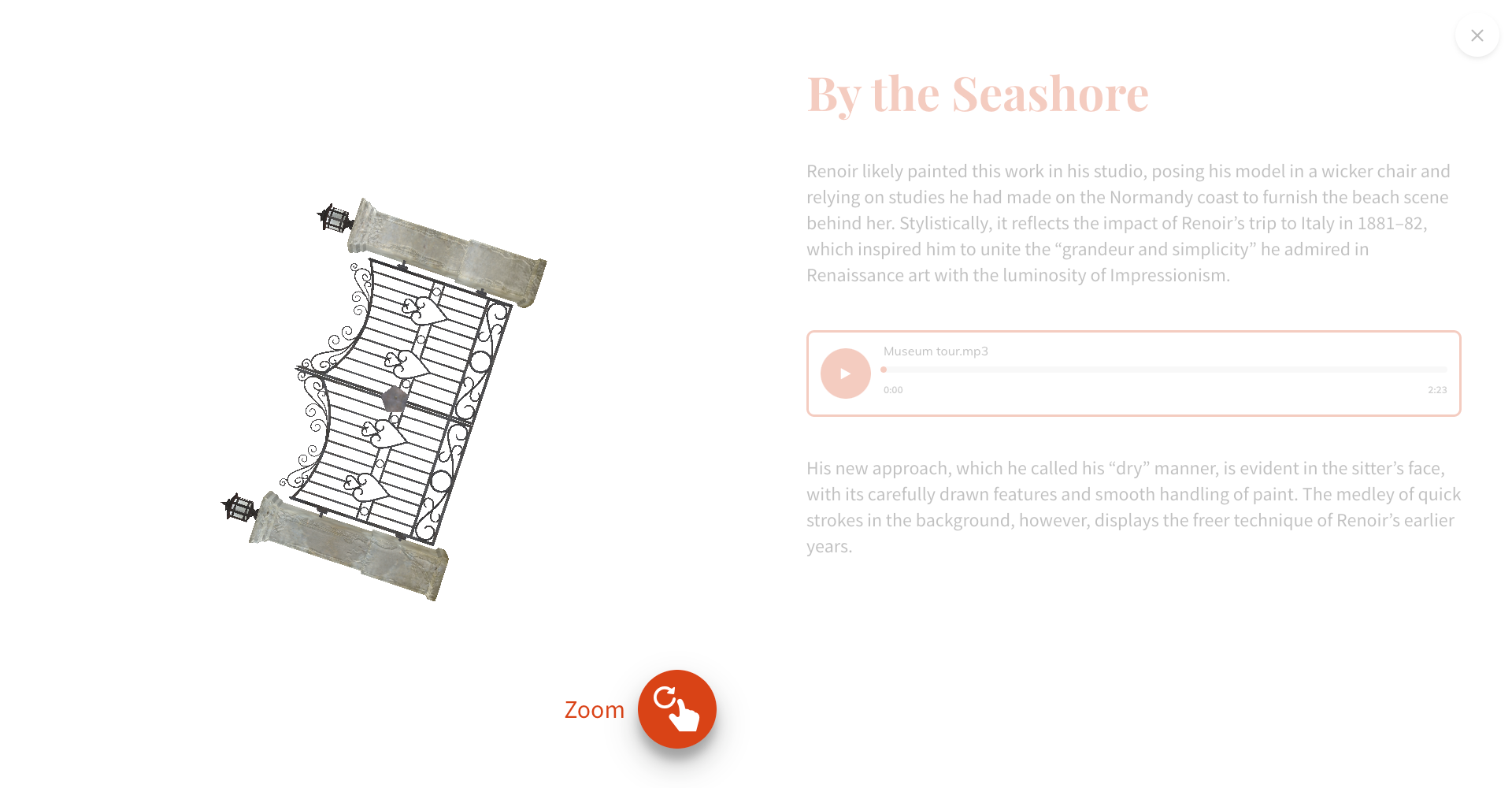
Enable zooming
Allows to zoom the object.
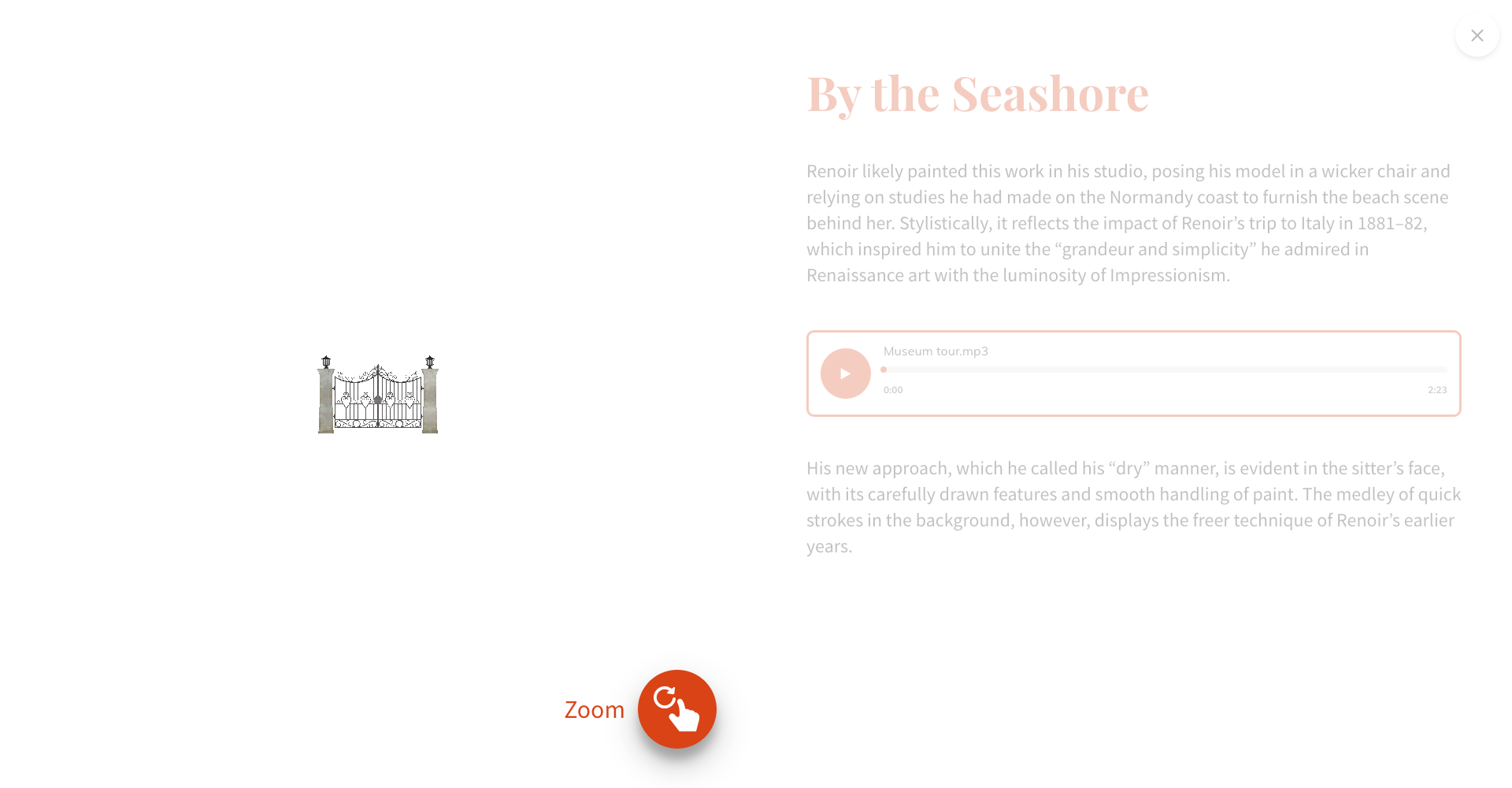
Limit rotation by vertical axis
If on allows you to rotate the object only vertically.
Vertical position
Set vertical position of the object in the Stop media container.
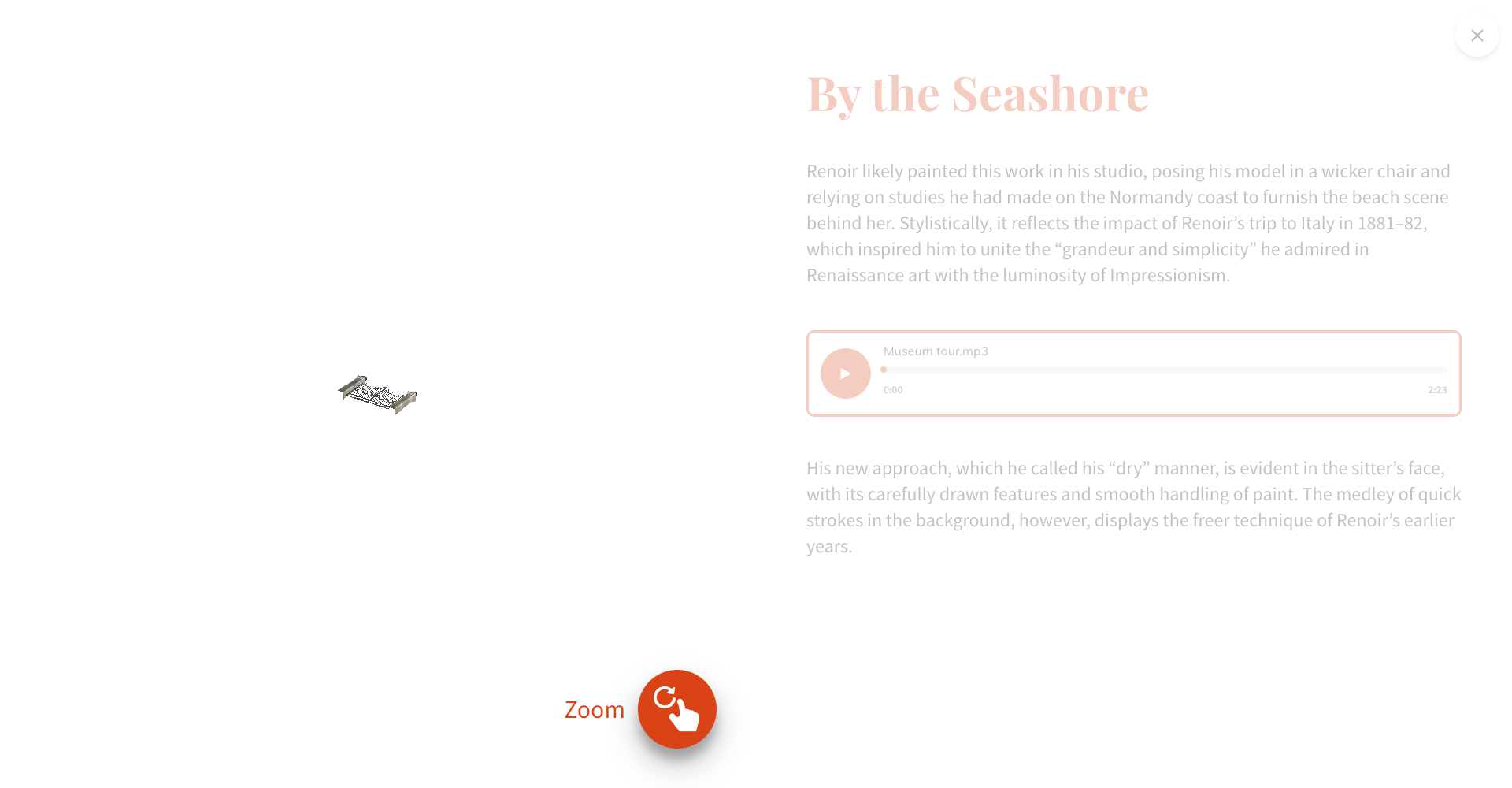

Initial camera zoom level
Apply initial zoom of the object.
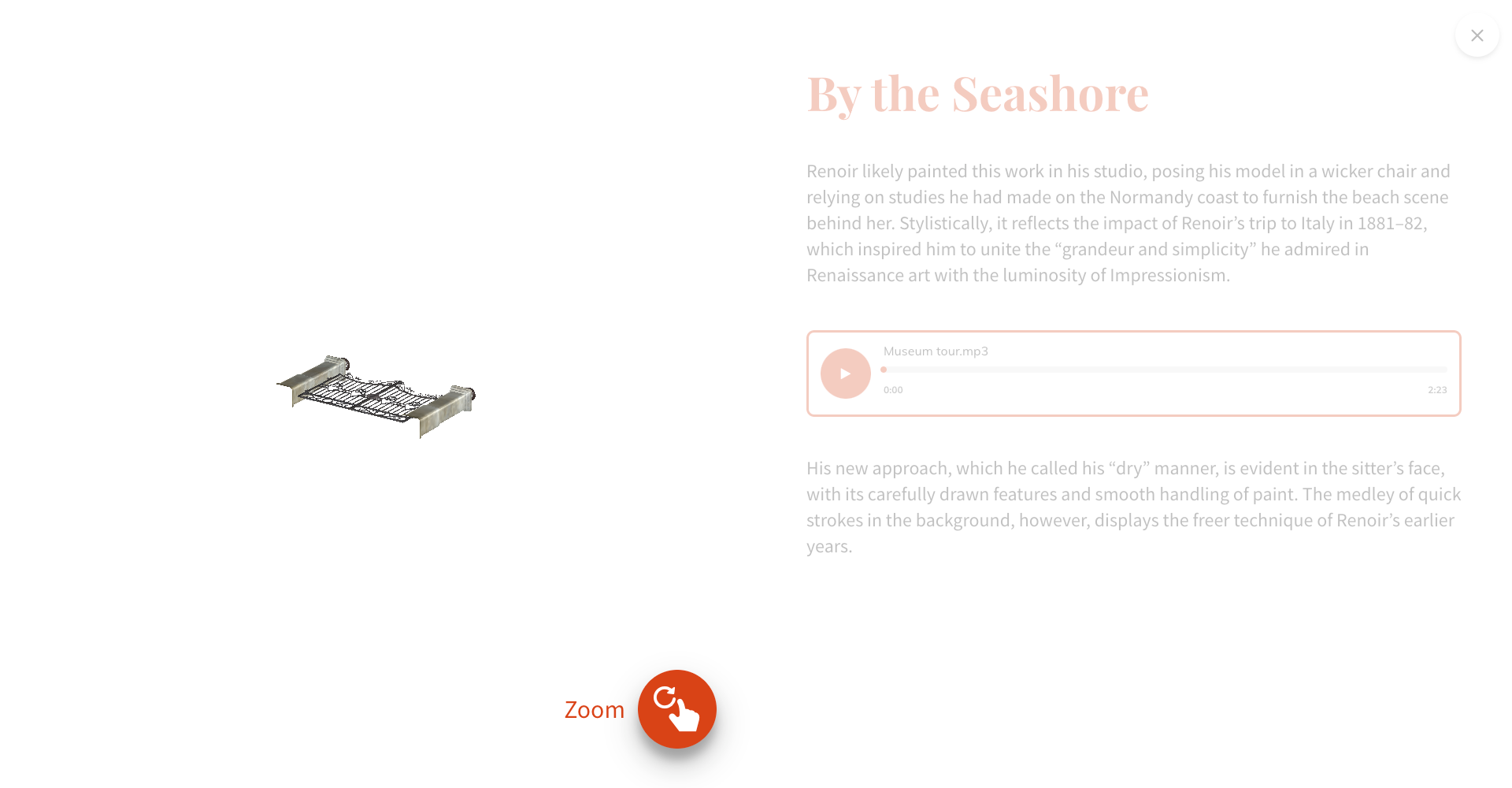
Object camera position (X value) (Y value) (Z value)
Set camera position in relation to object.


Background color
Set background color of the Stop Media container for 3D object.

Object color
Set color of the 3D object.
Object shininess
Set shininess of the 3D object.