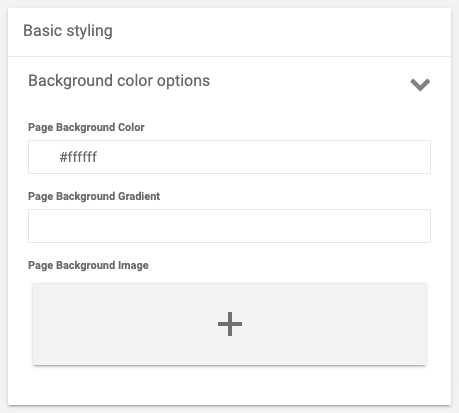
Basic Styling card allows admin to set background settings of the Stop Detail Page.
Show line separators
Sets the separating line between the Media container and Content container.
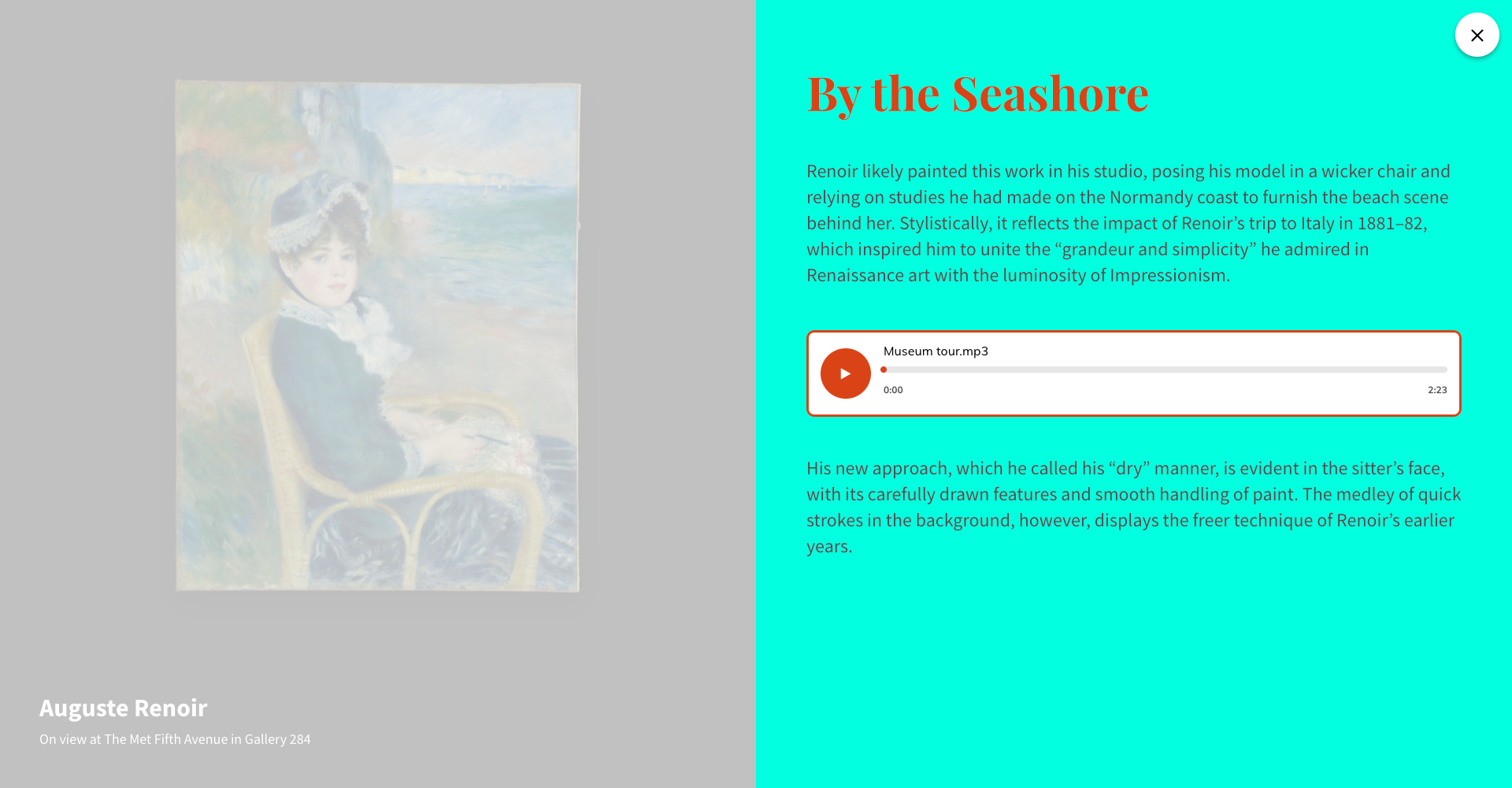
Page Background color
The selected color will be displayed as the page background color.
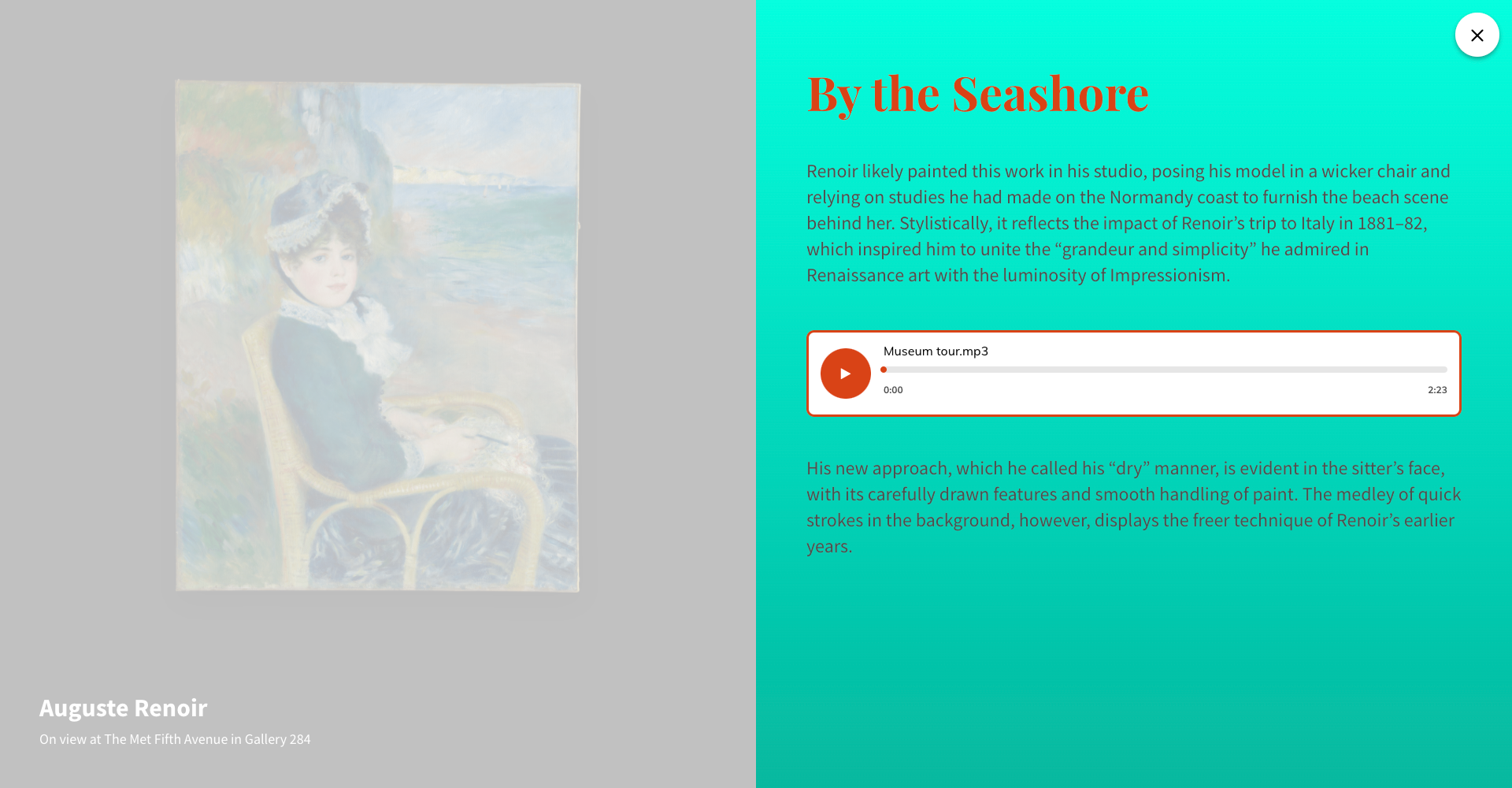
Page Background gradient
The set gradient will be displayed as the background of the Stop page.
Tip#1: example of the gradient input - linear-gradient(to right top, #9aaecb, #a2acd2, #aea9d6, #bea5d6, #d0a0d2).
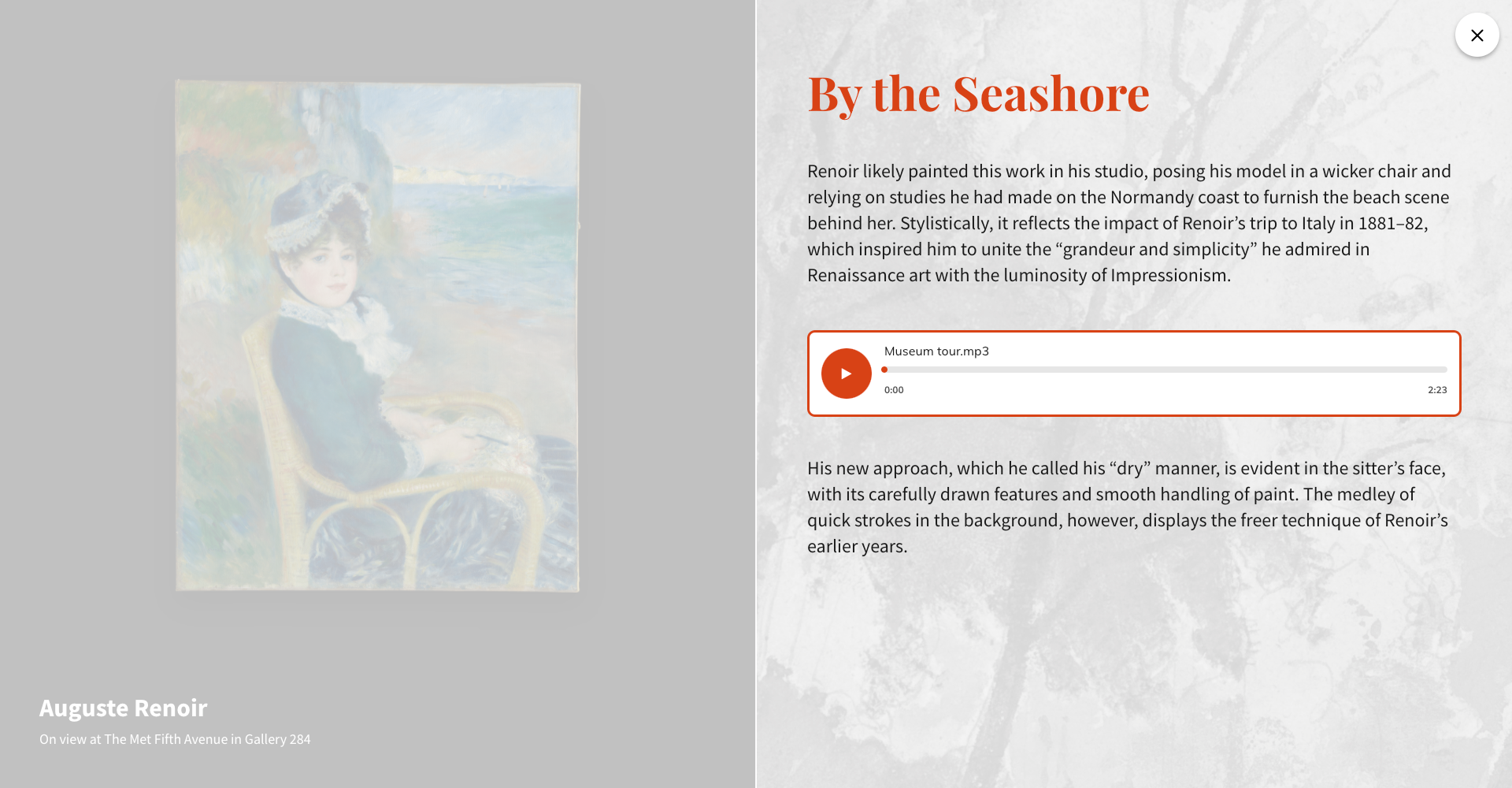
Page Background Image
The uploaded image will be displayed on the background of the Stop Page.
General Options
Settings apply only to the Full-Width template.
Page Padding
Apply paddings between the content container and page edges