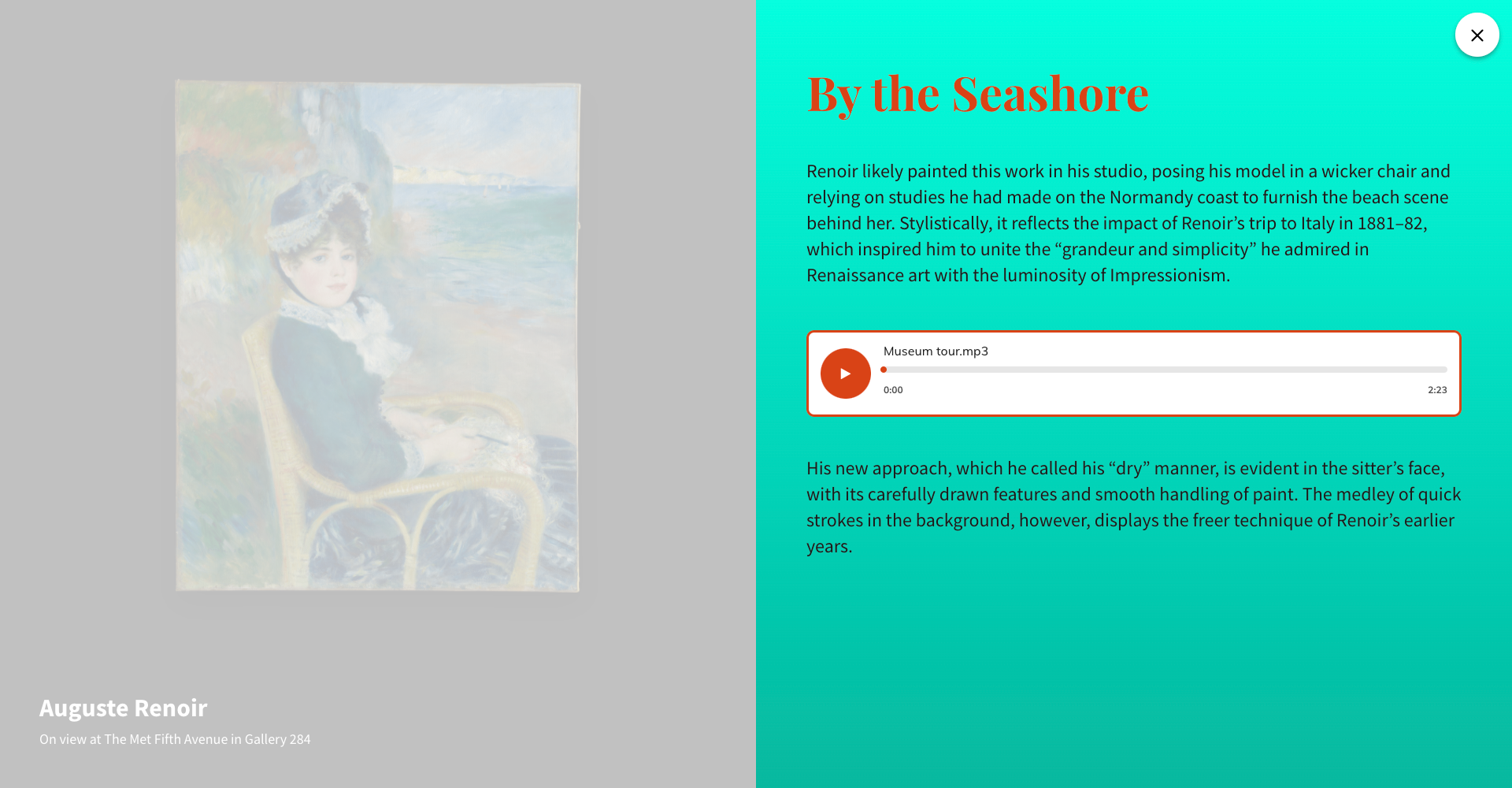
Content card is used to add text content to the Stop Page.

Content card fields and settings
Show title
Enables/disables title to display on the Stop Detail page.

Title
In this field, you can add and style the Stop page title.

Subtitle
Add and style subtitle here.
Settings apply only to the Full-Width template.

Swap title and subtitle
Change the order of title and subtitle. If control is on the title will be displayed under subtitle.
Settings apply only to the Full-Width template.

Content
In this field, you can add and style Stop page content.

Background color options
Background Color
Sets the background color of the content area.

Background Gradient
Sets background gradient for the content area.
General Options
Settings apply only to the Full-Width template.
Section Padding
Apply paddings between text and edges of the content container.
